Best Zapier Workflows for Service Solopreneurs 2026
Discover the best Zapier workflows for service solopreneurs in 2026 — ranked by time saved, covering lead capture, client comms, project handoffs, and billing.
Discover the best Zapier workflows for service solopreneurs in 2026 — ranked by time saved, covering lead capture, client comms, project handoffs, and billing.

Learn how to automate your client welcome sequence without code — onboarding email, questionnaire, contract, and calendar link delivered the moment a deal closes.
Discover the best Make.com automations for coaches and consultants in 2026 — session scheduling, client follow-up, content delivery, and payment triggers, no code needed.
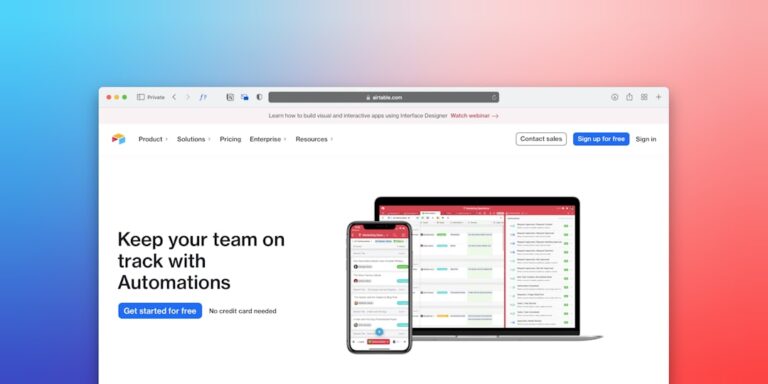
Learn how to automate project scoping for freelancers with Airtable — turn intake form submissions into ready-to-send scope documents without manual copy-paste work.

Learn how to automate contract sending for freelancers without code using Zapier or Make — trigger e-sign delivery from a form submission in under an hour.
Discover the best Google Calendar automations for solopreneurs using Zapier and Calendly — turn scheduling chaos into a self-managing system that runs without you.
Build the best Airtable project dashboard for creative freelancers — the right base structure, views, and automations for a visual single source of truth.
Build the best Make.com workflow for routing form submissions to Airtable, Notion, or ClickUp — with routing logic, deduplication, and notification steps included.

Learn how to automate freelance content approvals in Notion using databases, status fields, and Zapier notifications — so nothing waits in a silent inbox.

Learn how to automate the project handoff from sales to delivery so no client details fall through the cracks — with tools like Zapier, ClickUp, and Notion.