How to Automate Lead Capture and Follow-Up (Solo)
How solopreneurs can automate lead capture and follow-up with Zapier and Make — stop losing inquiries to manual gaps and respond to every lead automatically.
How solopreneurs can automate lead capture and follow-up with Zapier and Make — stop losing inquiries to manual gaps and respond to every lead automatically.

How to automate social media posting for your small business without paid tools in 2026 — native schedulers, free Buffer, and Zapier automations that cost $0.
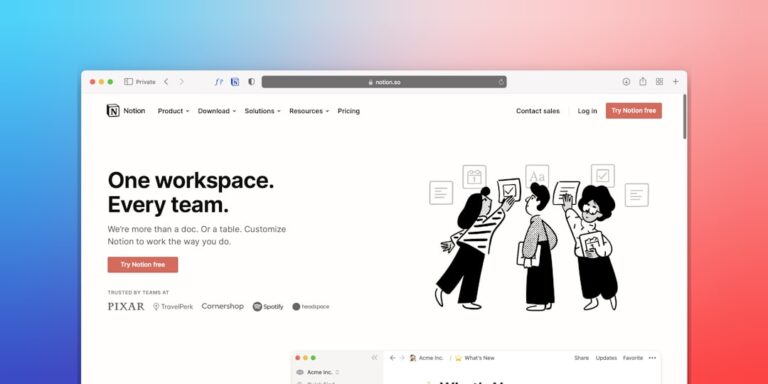
Learn how to turn Notion into a full-featured CRM for freelancers and small teams — free setup, automation tips, and the exact database structure you need.

How to automate meeting scheduling as a freelancer — eliminate back-and-forth emails with Calendly, Zapier, and a 30-minute setup that runs itself.
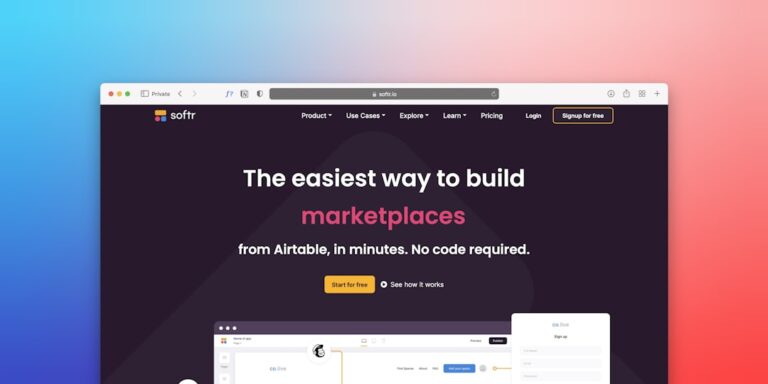
How to build a client portal for freelancers without coding in 2026 — step-by-step using Notion, ClickUp, or a dedicated tool so clients never need to email you again.

Build a self-updating Notion content calendar with Zapier automations that keep it current without manual upkeep — a step-by-step guide for solopreneurs.
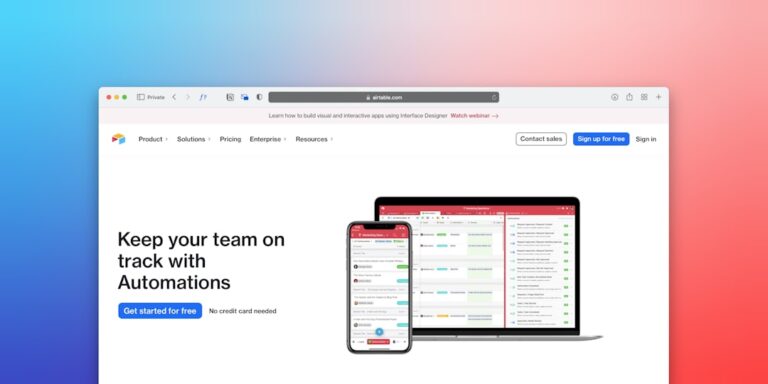
Airtable’s built-in automation engine is one of the most underused tools in small business. Here’s how to set up 5 automations that keep your databases self-updating.

Stop spending hours on proposals that clients ghost. Here’s how to automate your entire proposal-to-contract-to-deposit workflow as a freelancer — step by step.
Learn how to create SOPs for your small business in under an hour. One-page templates in Notion or ClickUp that document your processes and free you from repetitive work.
Stop losing hours to client management emails. Build a free client portal with project status, deliverables, and communication in one place — no paid tools needed.