Best Client Portal Workflow for Solopreneurs in 2026
Compare Notion, Airtable, and ClickUp for building a simple client portal workflow in 2026—find the best setup for solopreneurs managing client projects.
Compare Notion, Airtable, and ClickUp for building a simple client portal workflow in 2026—find the best setup for solopreneurs managing client projects.
Compare the best no-code tools for client intake forms and automated routing—find the right form and automation stack for faster triage and less manual work.
The best Monday.com automations for client service teams — practical setups that eliminate status chasing, missed deadlines, and manual handoff messages.
Stop chasing unpaid invoices manually. This step-by-step guide shows how to build a Make.com workflow that sends automatic payment reminders for your small business.

Learn how to use Notion for client project management as a solopreneur — linked databases, status tracking, and a client portal in one workspace.
Stop manually building client reports every week. Learn how to use Make.com to pull data automatically and deliver polished reports without lifting a finger.
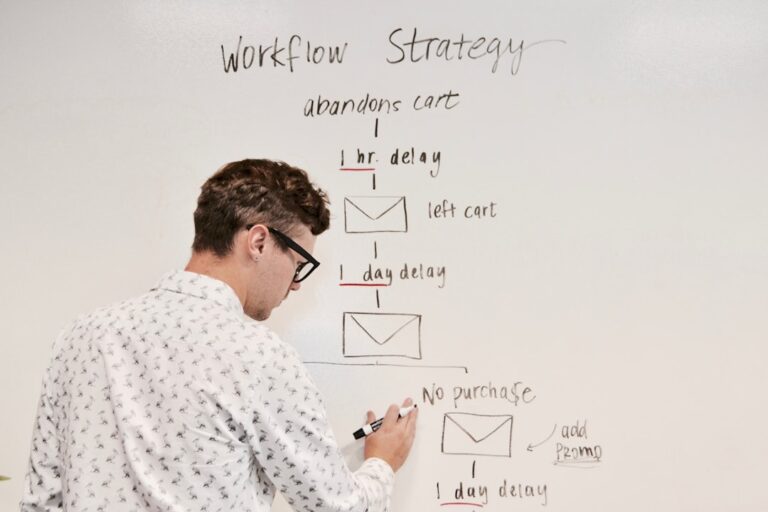
Stop spending hours on monthly client reports. This step-by-step guide shows you how to use Zapier to automate data collection, formatting, and delivery automatically.

Stop trading emails to book meetings. Learn how to use Calendly’s automation features to handle scheduling, intake forms, reminders, and CRM logging automatically.

Learn how to build a free client dashboard in Notion — a step-by-step guide for freelancers to track clients, projects, deadlines, and payments in one place.

Learn how to automate client onboarding as a freelancer using free and low-cost tools. Build a repeatable system that impresses clients and saves hours.