Best Airtable Alternatives for Small Teams 2026
Disclosure: We may earn a commission when you purchase through links on this site, at no extra cost to you. How we make money.
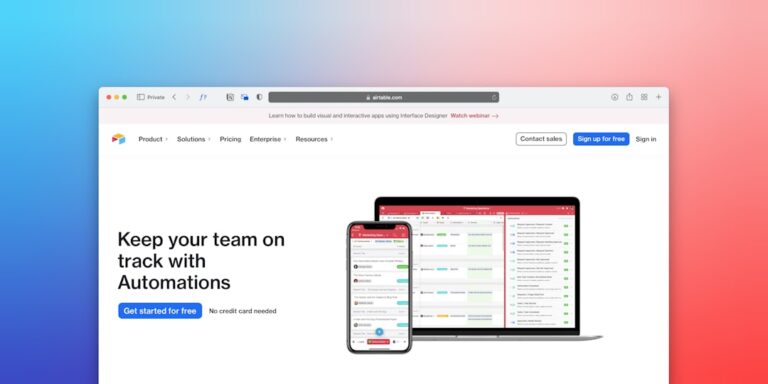
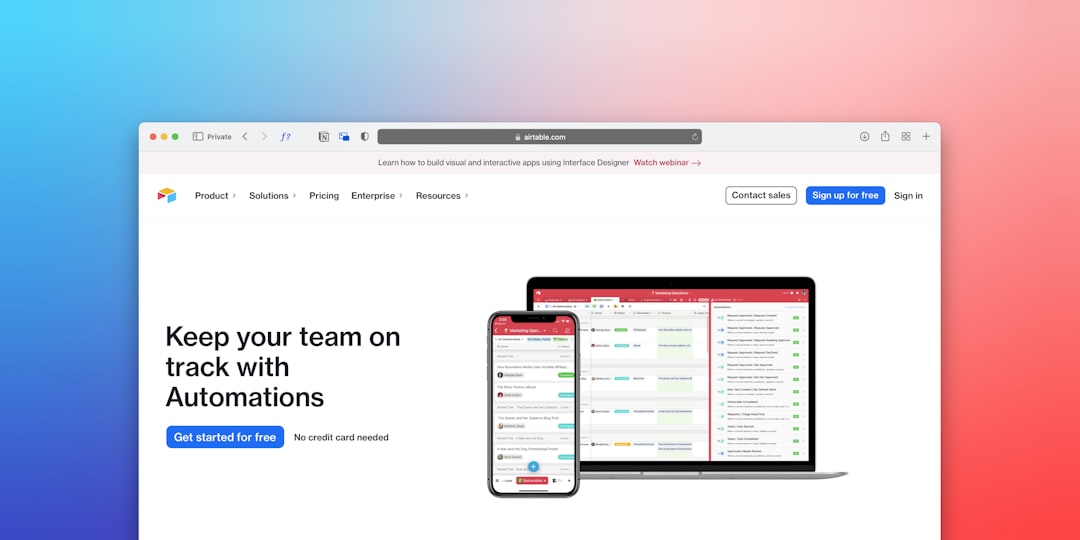
Airtable used to be the darling of small teams everywhere — flexible enough to build a real database, visual enough that non-technical people could actually use it. Then the pricing changed. The free plan shrank, team plans jumped to $20 per seat per month, and suddenly the math didn’t work anymore for a five-person team trying to keep overhead low.
If you’ve been hunting for a replacement that gives you the same database-meets-project-management feel without the sticker shock, you’re not alone. Thousands of solopreneurs and small teams made the switch in 2025, and a clear picture of what actually works has emerged. This breakdown covers the top Airtable alternatives for 2026, what each one does better (and worse), and how to match the tool to the way your team actually operates.
Why Airtable’s Price Hike Changed Everything
Airtable’s core pitch — a relational database wrapped in a friendly UI — remains genuinely excellent. The problem is cost. At $20/seat/month on the Team plan (billed annually), a team of five is paying $1,200 per year just to track projects. For a bootstrapped operation or a freelance agency, that’s a real line item.
The free plan that once gave you unlimited bases now caps you at 1,000 records and limits automation runs sharply. So even if you’re solo, you hit the ceiling fast if you’re running a serious operation. The tools below either undercut Airtable on price significantly, match it on features, or both.
What to Look for in an Airtable Alternative
Before you migrate, know what you actually need. Airtable’s real value is the combination of:
- Multiple views — grid, kanban, gallery, calendar, gantt
- Relational data — linking records across tables
- Automation — triggered actions when records change
- API access — connecting to Zapier, Make, and other tools
- Collaboration — sharing with clients or teammates without chaos
If you only need two or three of those, you can probably go cheaper or simpler. If you need all five, you’ll want a closer like-for-like replacement.
Best Airtable Alternatives for Small Teams in 2026
1. Notion — Best for Solopreneurs Who Want Everything in One Place
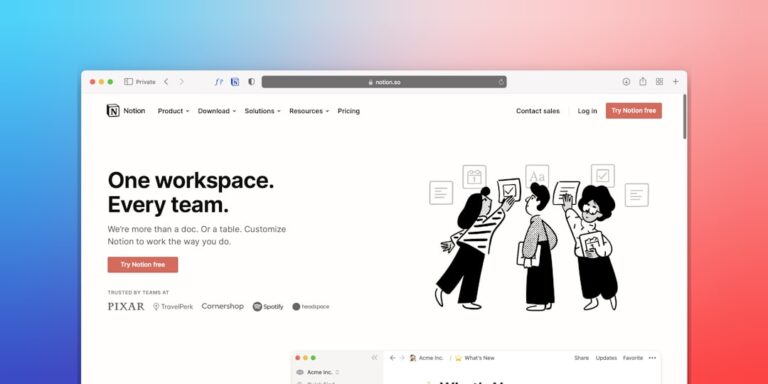
Notion made a serious push into database territory over the last two years, and in 2026 it’s a legitimate Airtable replacement for solo operators and small teams. You get grid, board, calendar, gallery, and timeline views, linked databases across pages, and rollup/filter formulas that cover most relational use cases.
The real advantage is that Notion isn’t just a database — it’s also your docs, wikis, meeting notes, and SOPs all in one workspace. That consolidation matters when you’re paying for tools by the seat. The Plus plan runs $12/user/month, and the free plan is genuinely usable for one or two people.
Automation inside Notion is lighter than Airtable’s, but you can extend it significantly by connecting via Zapier or Make. If you’re already using Notion as a CRM or client hub (see: how to use Notion as a CRM for freelancers in 2026), adding project tracking in the same workspace is an easy win.
**Where it falls short:** Notion’s formula language is less powerful than Airtable’s for complex calculations, and its grid view doesn’t feel as spreadsheet-native. If your team is heavy on formulas and field types (like phone, duration, or rating fields), you’ll feel the gap.
2. ClickUp — Best for Teams That Need Project Management + Databases
ClickUp is where you go when you want Airtable’s flexibility plus actual project management built in. Tasks, docs, goals, time tracking, dashboards, whiteboards — it’s all there. And its List view essentially functions like a database grid, with custom fields that map well to Airtable’s field types.
The free plan is generous: unlimited tasks, unlimited members, and 100MB storage. The Unlimited plan is $7/user/month. That’s a significant price difference compared to Airtable at scale.
ClickUp’s automation is strong — you can trigger actions when field values change, statuses update, or due dates arrive, all without leaving the app. For teams already using Zapier or Make for external connections, ClickUp integrates cleanly with both.
**Where it falls short:** ClickUp has a steeper learning curve than Airtable. The interface is dense, and new users often feel overwhelmed in the first week. If your team wants something they can onboard in an afternoon, ClickUp requires more patience upfront.
3. Monday.com — Best for Visual Tracking and Client-Facing Boards
Monday.com shines for teams that spend a lot of time showing work to clients or stakeholders. Its boards are clean, color-coded, and intuitive in a way that non-technical clients can read without explanation. The kanban, timeline, and calendar views are polished, and the dashboard layer gives you high-level reporting that Airtable’s free tier doesn’t match.
The Basic plan starts at $9/seat/month (3-seat minimum), which is cheaper than Airtable’s Team plan but not as cheap as ClickUp. Where Monday.com justifies the price is in its automation builder — it’s approachable and doesn’t require any Zapier involvement for common triggers like “when status changes to Done, notify via email.”
For client project tracking, service delivery boards, and team capacity planning, Monday.com is hard to beat at this price tier.
**Where it falls short:** The relational database functionality is weaker than Airtable’s. You can link boards, but it’s not as flexible as Airtable’s linked record fields. If your workflow depends on pulling related records across multiple tables, Monday.com may frustrate you.
4. NocoDB — Best Free Option for Database-Heavy Workflows
NocoDB is an open-source Airtable clone that connects to your existing database (MySQL, PostgreSQL, SQLite) and wraps it in a no-code spreadsheet interface. If you’re technical enough to set it up — or have a developer on the team — it’s genuinely powerful and completely free to self-host.
The cloud version (NocoDB Cloud) has a free tier and paid plans starting around $8/month for small teams. The UI maps almost 1:1 to Airtable: grid, gallery, form, and kanban views, field types that match Airtable’s, and a REST API for integrations.
**Where it falls short:** If you’re not comfortable with databases or don’t have a developer available, the setup friction is real. The ecosystem is smaller, and support documentation isn’t as polished as commercial tools.
5. Baserow — Best for Teams That Want Open-Source Flexibility
Baserow is another open-source alternative with a friendlier setup experience than NocoDB. You can self-host it or use the cloud version, and it handles grid and kanban views well. It’s less mature than the commercial options, but the development pace has been fast, and the free self-hosted version is genuinely capable.
For small teams that process a lot of records and don’t want to pay per-seat fees indefinitely, Baserow on a $5/month VPS is a real option.
Side-by-Side Comparison
| Tool | Free Plan | Starting Price | Database Views | Native Automation | Best For |
|---|---|---|---|---|---|
| Airtable | 1,000 records | $20/seat/mo | Grid, Kanban, Calendar, Gallery, Gantt | Yes (limited on free) | Relational data power users |
| Notion | Yes (generous) | $12/user/mo | Grid, Board, Calendar, Gallery, Timeline | Basic automations | Solopreneurs, all-in-one workspaces |
| ClickUp | Yes (unlimited members) | $7/user/mo | List, Board, Calendar, Gantt, Table | Strong | Teams needing PM + database |
| Monday.com | 2-seat trial only | $9/seat/mo (min 3) | Grid, Kanban, Calendar, Timeline, Chart | Strong | Visual tracking, client-facing boards |
| NocoDB | Yes (self-hosted: unlimited) | $8/mo (cloud) | Grid, Gallery, Form, Kanban | Limited | Tech-comfortable teams, high record volume |
| Baserow | Yes (self-hosted: unlimited) | $5/mo (cloud) | Grid, Gallery, Kanban, Form | Limited | Open-source advocates, budget-first teams |
How to Choose the Right Airtable Alternative
The answer comes down to three questions:
- How many people need access? If you’re solo or two people, Notion’s free plan or ClickUp’s free plan handles most use cases without paying anything. If you’re a team of five or more, run the math on per-seat costs at your expected plan tier.
- How important is automation? ClickUp and Monday.com have the strongest native automation builders. If you’re connecting to external tools via Zapier or Make, all five options above work — but check that your specific integrations are available before committing to a migration.
- Do you need true relational databases? If you’re linking records across multiple tables and building rollup fields, Notion and ClickUp are the closest to Airtable’s feel. NocoDB is the most technically faithful replica. Monday.com is weaker here.
If you’re running a project management setup for a service business — tracking clients, deliverables, invoices — check out the best project management tools for solopreneurs under $20/month for a broader breakdown of what’s available at each price tier. And if your decision matrix includes Monday.com as a competitor rather than a candidate, the best Monday.com alternatives for small teams on a budget covers that angle too.
- Airtable’s Team plan at $20/seat/month is the main reason teams are leaving — the alternatives below that price point are now genuinely competitive.
- Notion is the best all-in-one pick for solopreneurs; ClickUp wins for teams that need project management and database features together.
- Monday.com is the strongest option for visual tracking and client-facing project boards.
- NocoDB and Baserow are powerful free options if you’re comfortable self-hosting or using a REST API for integrations.
- Automation connectivity via Zapier or Make works across all five alternatives — but verify your specific integrations before committing to a full migration.
Frequently Asked Questions
Is there a free Airtable alternative that actually works for a small team?
Yes — ClickUp’s free plan is the strongest: unlimited members, unlimited tasks, and solid custom fields. Notion’s free plan works well for solopreneurs or two-person teams. If you’re technical, NocoDB or Baserow on a self-hosted setup gives you unlimited records at no recurring cost.
Can I migrate my Airtable data without losing anything?
Mostly. Export your Airtable bases as CSV files first. Most alternatives import CSV cleanly for flat data. Where you’ll hit friction is linked record fields and formula fields — those need to be rebuilt manually in the new tool. Plan for 1-2 hours per complex base during migration.
Which Airtable alternative has the best Zapier integration?
ClickUp, Notion, and Monday.com all have native Zapier triggers and actions with solid coverage. If you’re running automations that connect your project tracker to your email, invoicing, or CRM, any of the three will work. For more complex multi-step workflows, Make (formerly Integromat) gives you more control over branching logic than Zapier does.
Does ClickUp actually replace Airtable’s database features?
For most small team use cases, yes. ClickUp’s List view with custom fields (text, number, date, dropdown, relationship, formula) covers the majority of what Airtable’s grid does. The gap shows up in advanced formula complexity and gallery views, which ClickUp handles less elegantly. For standard project and client tracking, ClickUp is a solid replacement.
What if I still want to stay on Airtable but reduce costs?
Airtable’s free plan still exists — 1,000 records per base, 100 automation runs per month. If your operation is small enough to live within those limits, staying on free is an option. You can also reduce costs by consolidating bases to stay under the record cap, and supplementing with Zapier or Make for automations that Airtable’s free tier restricts. Check out the best Airtable automations for small business in 2026 to squeeze more out of the free plan before you decide to leave.
Related Reading
- How to Repurpose Content With AI: Small Biz Guide via BizRunBook
- Best Zoom Alternatives for Small Business Teams 2026 via SaaSSleuth